
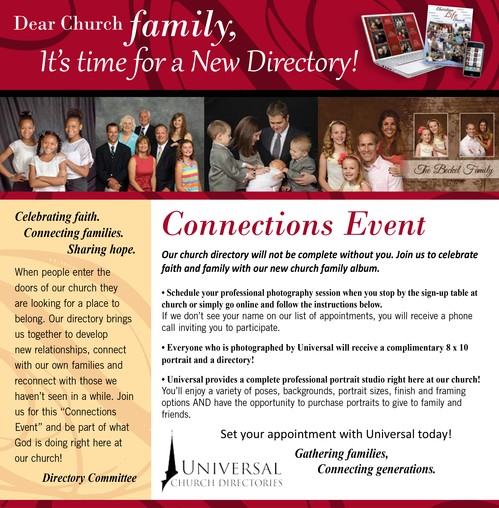
NEW CLC PICTORIAL DIRECTORY FOR 2026
ONLINE SCHEDULING INSTRUCTIONS FOR FAMILY APPOINTMENT SETTING
-Go to the Universal Church Directories website ( www.ucdir.com ) or use the QR code
-Click on the box on the right side of the homepage entitled “photography appointment
scheduling login”
-Enter your church code mi2099
- Enter your church password photos1
- Click on the Enter button
-Click on the desired photography date
-Click on the Reserve Time button beside the desired photography appointment time
-Enter the appropriate information in all required fields (indicated by the asterisk)
- Click on the Schedule Appointment button at the bottom of the screen to reserve the
photography appointment time in your family’s name
- If you have more than six family members being photographed, please reserve two
appointments consecutively (such as 6:00 and 6:10)
-Print the next screen to use as a reminder of your family’s photography appointment
- Contact Kerri Kinneberg at kjkinneberg7@gmail.com or call 507-259-4458 to change or
cancel your photography appointment
ONLINE SCHEDULING INSTRUCTIONS FOR FAMILY APPOINTMENT SETTING
-Go to the Universal Church Directories website ( www.ucdir.com ) or use the QR code
-Click on the box on the right side of the homepage entitled “photography appointment
scheduling login”
-Enter your church code mi2099
- Enter your church password photos1
- Click on the Enter button
-Click on the desired photography date
-Click on the Reserve Time button beside the desired photography appointment time
-Enter the appropriate information in all required fields (indicated by the asterisk)
- Click on the Schedule Appointment button at the bottom of the screen to reserve the
photography appointment time in your family’s name
- If you have more than six family members being photographed, please reserve two
appointments consecutively (such as 6:00 and 6:10)
-Print the next screen to use as a reminder of your family’s photography appointment
- Contact Kerri Kinneberg at kjkinneberg7@gmail.com or call 507-259-4458 to change or
cancel your photography appointment